Session Bug ReporterBeta
A browser extension that captures bugs while you test. No account, no backend, no AI. Everything stays in the browser until you export it.
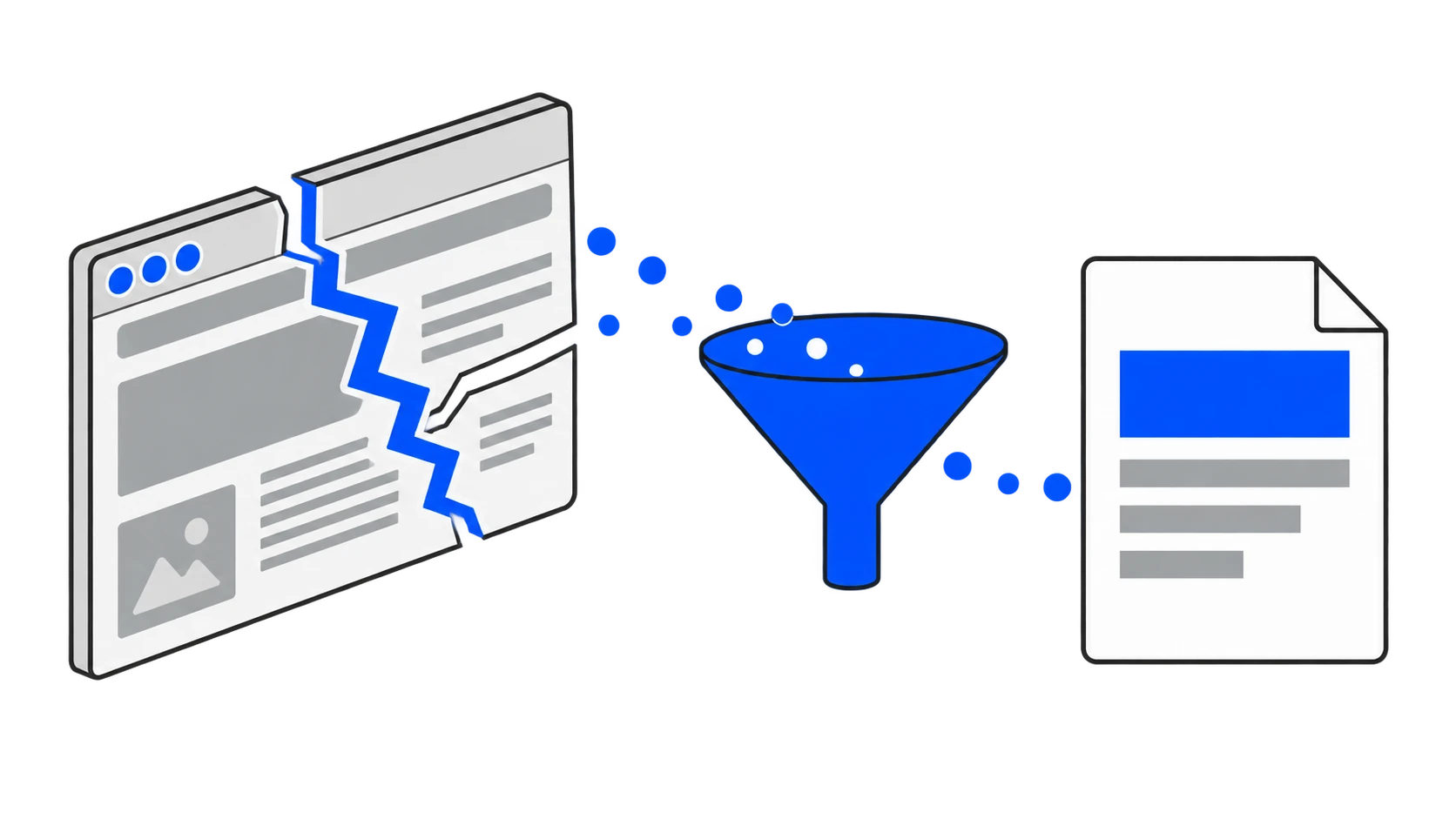
I built a browser extension for capturing bugs while you test.
You start a session, browse normally, and when something breaks you hit capture. It takes the screenshot and the page context immediately. You just type what went wrong.
No account. No backend. No API keys. No AI.
Why offline
Every bug tool wants you to sign in first.
That is fine until you are testing something on a staging server at eleven at night, or on a client's machine, or on a network that cannot reach their service. Then the tool that was supposed to save you time is the thing in the way.
So this one keeps everything in the browser. IndexedDB, locally, until you explicitly export it. Nothing is uploaded because there is nowhere to upload to.
One data model, many views
The thing that makes it work is that the sheet, the document and every export read the same records.
A sheet and a report are the same bugs, arranged differently. Once that is true, adding another export is a pure function over the same bundle rather than another place for the data to drift.
Two tables, not one
Bug metadata and evidence blobs live in separate tables.
Screenshots are stored as WebP blobs rather than base64 strings, in a table of their own. That way listing bugs does not drag every screenshot along with it, and the list stays fast no matter how long the session ran.
Base64 in the same row would have been simpler to write and would have made the list slower with every bug captured.
What it captures
Screenshots with annotation. Console output. Network activity. The steps you took to get there. Voice notes, transcribed.
Exports as JSON, Markdown, HTML, CSV or Word, or straight into a GitHub issue.
Capture degrades gracefully on restricted pages rather than failing, because a partial report is worth more than an error.
Not built yet
Screen recording. The capture and export layers are modular, so it goes in without touching the data model.
tl;dr
Start a session, capture bugs as you find them, export them however the person receiving them wants. All of it in your browser.