Headless Android SDKEarly
A hidden second display on your phone. Launch an app onto it, read its screen, tap and type, while the real screen stays yours.
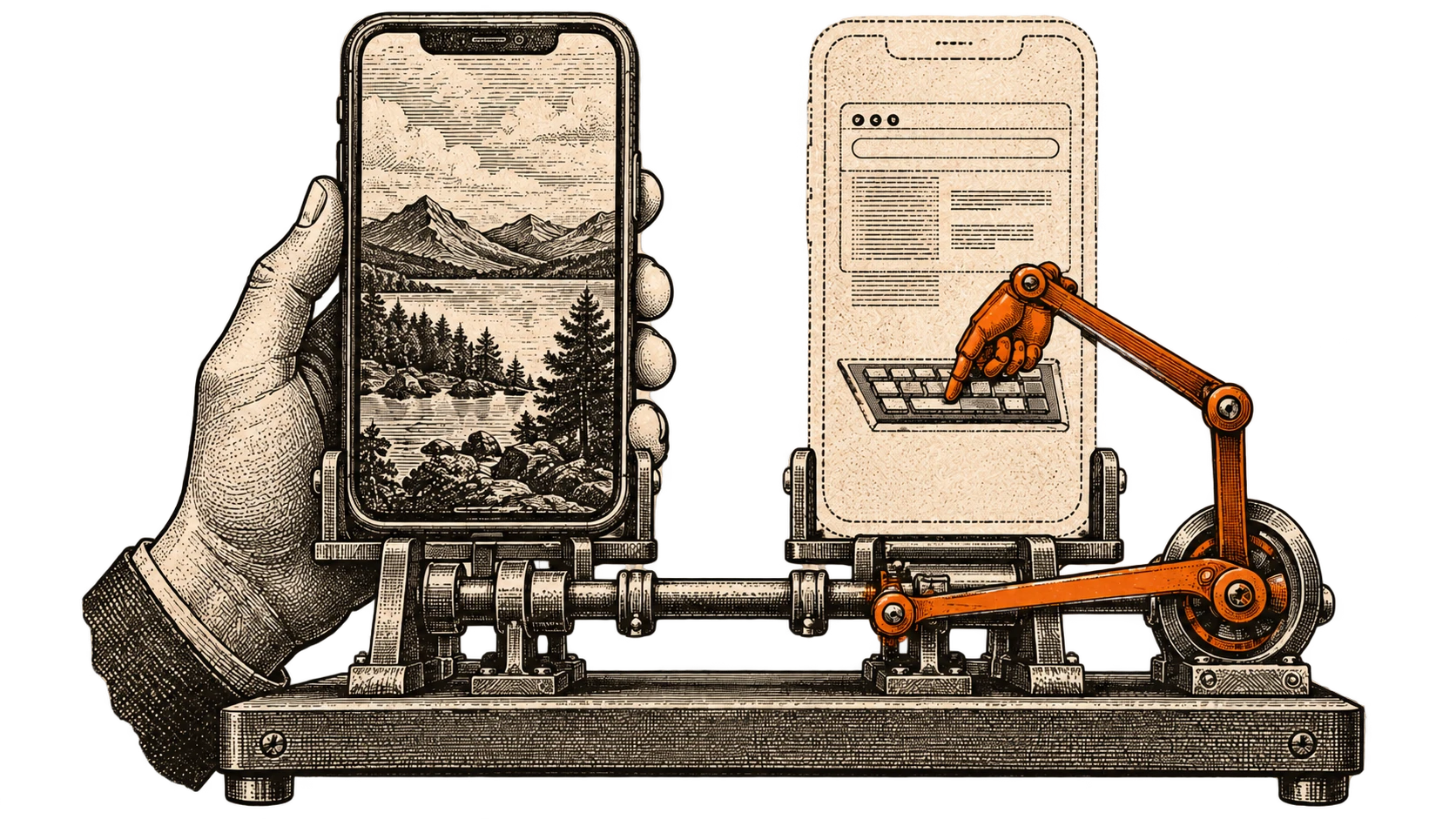
I built a Kotlin SDK that creates a hidden second display on an Android phone.
You launch an app onto it, read what is on its screen, tap, type. The physical screen you are holding stays untouched and usable the whole time.
val runtime = HeadlessAutomation.start(context)
if (!runtime.isAuthorized()) runtime.requestAuthorization()

val session = runtime.createSession()
session.launch("com.android.chrome")

val screen = session.compactUi()!!
val field = screen.elements.first { it.editable }
val typed = session.setTextElement(screen, field.index, "hello")
check(typed.verified)   // the field was read back holding "hello"

session.pressEnter()
val screenshot = session.screenshot()
session.close()
The problem with automating a phone
Every existing way of driving an Android app takes the phone away from you.
Accessibility services drive the real screen, so you watch the taps happen and cannot use the device meanwhile. Instrumentation tests need a build and a harness. ADB needs a cable and a computer.
All of them assume the phone is doing this instead of being used, not as well as being used.
A display nobody looks at
Android can already create virtual displays. It is how screen casting works.
So the SDK makes one, keeps it off the physical screen, and launches the target app onto it. Input goes to that display. Frames come off it. The user's display never knows.
What the SDK hides from you
Doing this by hand means Binder, ImageReader, InputManager and Shizuku,
four things with almost nothing in common except that getting any of them
slightly wrong fails in a way that is hard to read.
So the public surface is three types. HeadlessAutomation to start,
HeadlessRuntime for authorization, HeadlessSession for the work. Nothing
below that is something you should have to hold.
Reading the screen without a keyboard
This used to be the missing part. You got raw screenshots and worked out what was in them yourself.
Now compactUi() returns the screen as a numbered list of elements, short
enough to hand to a language model. You act on an element by its number:
clickElement, setTextElement, scrollElement. Text goes in through the
accessibility SET_TEXT action, so no keyboard ever opens.
Results are honest. performed means the app accepted the action. verified
means the effect was read back, and for typing that means the field holds
exactly the text. If the element moved since the snapshot, the call throws
instead of acting on whatever is there now.
Under it is a small accessibility agent that the SDK starts through Shizuku. It needs no accessibility toggle in Settings.
Display 0 is never touched
The one rule everything is built around is that display 0, the screen you are actually using, is never touched.
Launch, input and the agent all refuse it. If an app lands on it anyway, it is removed. Closing a session removes only that session's own task, never your own copy of the app. Hidden displays get no keyboard, so focusing a field there cannot pop one up on your real screen.
Where it actually is
Verified on a Redmi/POCO phone running Android 14: creating and closing the hidden display, launching Chrome, Settings, Calculator and Notes onto it, reading the element tree, clicking, scrolling and typing with read-back. An LLM agent using only these calls finished tasks in Settings, Calculator and Chrome, and display 0 stayed untouched.
What is not there yet:
- A locked phone does not work. The hidden display showed the lock screen, and 4 of 11 checks passed.
- Typing sometimes needs a retry, and Enter occasionally does not navigate the first time.
- Only one
UiAutomationconnection can exist at a time, so Tasker, Appium oruiautomatorrunning at the same time will clash with the agent. - Other phones and Android versions are untested.
- It is not published yet. You include the module in your project.
Privilege comes through Shizuku, behind an interface, so another backend can go in later without the rest moving.
tl;dr
Run an app on a display nobody can see, drive it, screenshot it, and keep using your phone while it happens.