Driving a Phone Nobody Is WatchingIn progress
Can an app operate another app on a hidden display while the owner keeps using the phone? The pipeline works. Most of what I learned came from what did not.
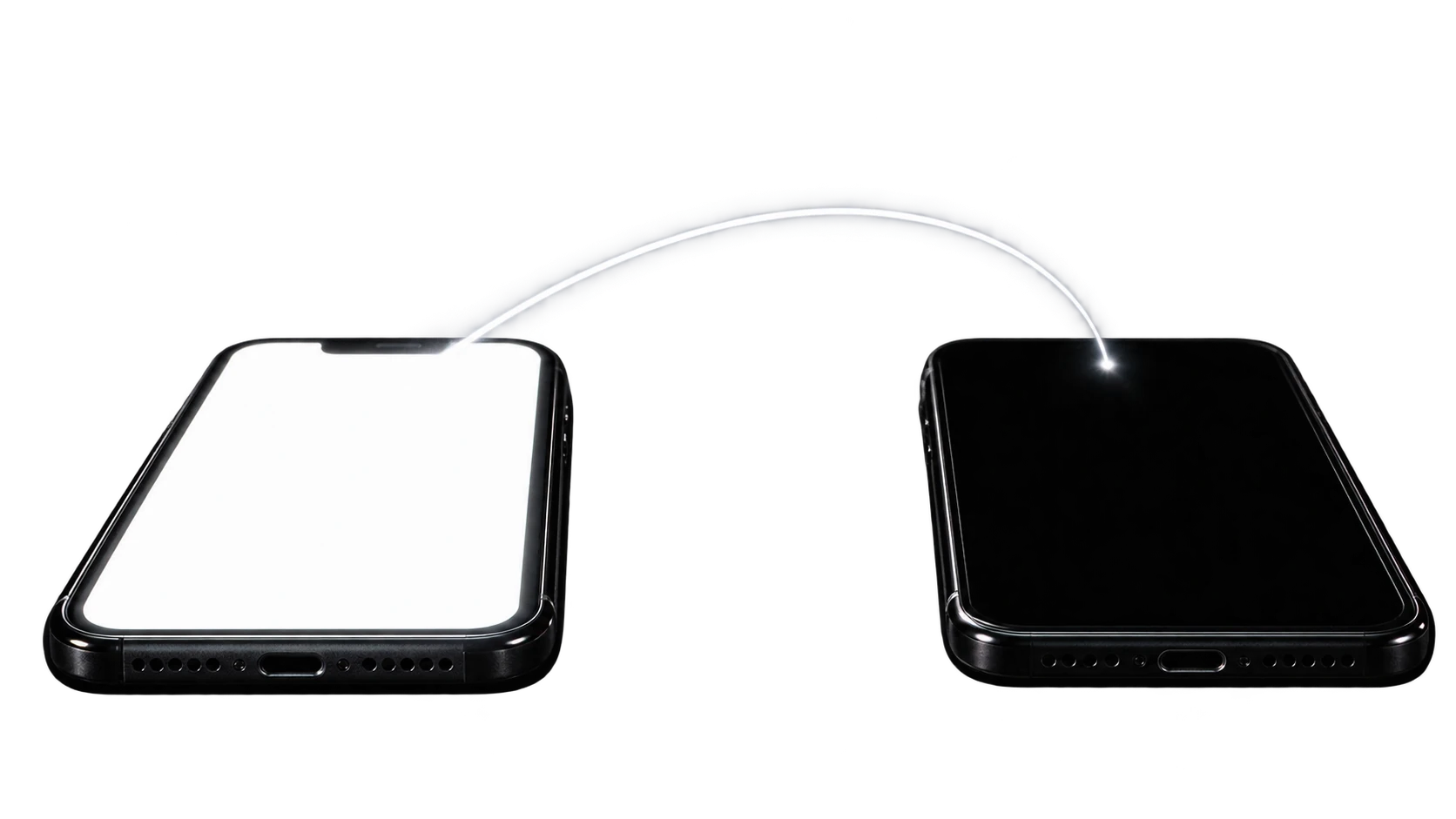
Can an Android app, with no root and only a shell-level privilege tool, create a second hidden display, run a real third-party app on it, drive that app with touch and text, and read back what is on screen, while the physical display stays under the owner's control and the target app never appears on it?
That is the mechanical question. The reason it matters is that it is the prerequisite for giving an agent a phone to operate without taking the phone away from the person holding it.
What I checked, every run
dumpsys activity activities show the target app's task on the display we created, not display 0?ImageReader return a non-empty frame at the expected size, with a non-zero pixel ratio?input commands exit 0?That last one is a crude proxy for "the page rendered", not a real content check, and I should say so rather than let it sound like one.
Any of these would have killed the approach: the task appearing on display 0,
createVirtualDisplay returning a negative id or throwing, input commands
exiting non-zero, frames coming back all-zero. None of them held for the core
pipeline in the final run.
These were not written down before running. They settled into a consistent set of boolean checks used across every run, which is not the same thing as deciding pass and fail in advance. That is a real gap, and it is the reason nothing below carries a confidence interval.
What the numbers actually are
Thin, and mostly single-run.
virtual display created          ~18ms
privileged launch transaction    ~42ms
first frame                      ~120ms after launch
fully composited page            ~980ms after launch
captured frame                   ~114KB PNG
One instrumented run, early, never re-measured. An anecdote, not a benchmark.
Frame capture is the one consistent thing: 9 frames per end-to-end run, every run that completed, including the final one.
Accessibility events were the opposite. Across runs under similar conditions I observed 0, then 4, then 35, then 157, then 601. That variance is itself the finding. Event delivery to this service was not a stable quantity, so no single count means anything.
Not measured at all: battery, CPU or memory cost of holding a second display
and an ImageReader open, sustained frame rate, success rate across repeated
trials, or behaviour on any device or Android version but this one.
Three bugs stacked on top of each other
Reading the screen through Accessibility returned nothing. getWindows(),
getWindowsOnAllDisplays(), getRootInActiveWindow(), event.source, all
empty or null, across every display configuration I tried.
The cause was not one thing. It was three, each hiding the next.
A typo in the manifest. The meta-data key was
android.accessibilityservice.accessibilityservice rather than
android.accessibilityservice. The OS never read the service's declared
capabilities at all. dumpsys accessibility showed capabilities=0 from the
first bind, before any of my code ran.
Fixed, and it showed capabilities=1.
Still nothing for the target display. But getWindowsOnAllDisplays()
returned non-empty data for the first time, on other displays. So the
capability fix was real. Whether what remains is a genuine platform restriction
on non-system-owned displays or another unresolved bug, I do not know. A
handful of events in one run is not enough to say either way.
My own tests were corrupting the thing they measured. am force-stop
strips a package from enabled_accessibility_services as a side effect, per
the AOSP AccessibilityManagerService. Several "accessibility does not work"
results were actually "I broke my own test's authorization by force-stopping
mid-test."
The failure that did not look like one
A reflection-based lookup for IActivityTaskManager.startActivity resolved the
transaction code to 50, via a fallback field search. The value that works is 1.
It did not throw. It silently moved my own app's task onto the target display instead of launching the intended app.
I caught it by diffing against a known-good log line from an earlier run. No error signal, nothing in the output that looked wrong, just the wrong thing happening quietly.
That constant, 1, was reverse-engineered from one device's logged behaviour. It is not from AOSP documentation and it is not a versioned constant. Whether it holds on another device or another Android version is untested.
Two things that were never actually run
A cleaner reflection path for creating the virtual display, calling
IDisplayManager.createVirtualDisplay through getMethod on the live proxy,
failed outright with NoSuchMethodException. The raw
Parcel and Binder.transact(21, ...) path kept working. The reflection
version came from an unused dead-code class in the reference implementation and
had never been exercised on a device before I trusted it.
Same with a shell fallback that looked valid and documented:
am start --activity-multiple-task --activity-new-task --display <id> ...--activity-new-task throws IllegalArgumentException: Unknown option on this
build. It had been copied from reference code as a proven path without ever
being the branch that ran.
Both are the same mistake. Code that has never executed is not working code, however reasonable it looks.
The one that matters for safety
Input injection is not display-isolated by construction.
Once, an input -d <displayId> text ... command meant for Chrome on the hidden
display typed into a stray focused text field on the real, physical display,
left over from unrelated navigation earlier in the session.
The -d flag scopes where the command targets. It does not guarantee that some
other still-focused input surface cannot intercept synthetic key events.
That goes directly against the premise of the whole thing. The physical display is supposed to stay under the user's control.
Observed exactly once. Not reproduced, not characterised, root cause not isolated. Stray focus state is the suspected mechanism, and that is a guess.
What is genuinely open
The README says perception is an interface with no implementation. That is the shallow one. It was deferred on purpose until the runtime worked, and it is a to-do rather than a mystery.
Underneath it:
Not resolved. After the capability fix, some windows enumerate and the target display's still do not, on a handful of events in one run. Not enough to call it impossible, not enough to call it tuning. The screenshot-and-vision fallback was chosen because of that uncertainty, not because Accessibility was proven dead.
One data point, on the safety premise the project rests on.
Every test, POC and SDK, launched com.android.chrome. The launch mechanism is
a raw Binder transaction with a hardcoded undocumented constant. It has not
been tried against another package. The stated goal of arbitrary packages is
untested.
No. Every claim is N=1 or N=2. The accessibility event variance is the clearest warning that flakiness would show up under repetition, and repetition has not been done for the parts currently called working.
Where that leaves it
The pipeline works, on one device, once. Display creation, launch, input, capture, end to end.
Everything I would need to claim it works in general is missing: repeated trials, other packages, other devices, other Android versions, and a root cause for the one input leak.
I would rather write that down than round it up.
Update, October 2026
Some of the open questions have moved since I wrote this.
Reading the screen works now, and not through the route I was stuck on. The SDK
starts a small accessibility agent with shell identity through Shizuku, built on
UiAutomation. It needs no accessibility toggle in Settings, it returns the
element tree of one display, and it refuses display 0.
It is no longer only Chrome. Settings, Calculator and Notes launched on the hidden display with placement checked. An LLM agent using only these calls finished a Settings task, a Calculator task and a Wikipedia search in Chrome, without claiming a success it had not seen, and display 0 stayed untouched.
The input leak got guards, not a root cause. Launch, input and the agent all refuse display 0, an app that lands there is removed, and a watchdog clears the session's tasks if the app process dies. The watchdog is covered by unit tests and has not been proven on a device.
Still open: Android 14 on one phone is the whole evidence base. A locked phone
does not work, the hidden display showed the lock screen and 4 of 11 checks
passed. Only one UiAutomation connection can exist at a time, so Tasker or
Appium on the same phone will clash with the agent.
tl;dr
A hidden display can run and be driven by an app on the same phone. Whether the screen can be read structurally, whether input stays isolated, and whether any of it holds beyond one device and one app are all still open.