LLMBuilderArchived
A toolkit that takes raw documents and gives back a trained language model you can run. Built to work on a CPU.
I built a toolkit for training language models from scratch.
You point it at a folder of documents. It gives you back a model you can run.
pip install llmbuilder
llmbuilder init my_project
Where it came from
Back in BCA in 2023 I wanted to build my own small language models.
What I actually did was overload systems, crash CPUs, and run up cloud bills renting GPUs. Everything was slow, everything broke, and I did not finish anything.
The problem was never the idea. It was that every piece of the pipeline was a separate fight, and I lost most of them before getting to the training.
So eventually I built the pipeline instead of the model.
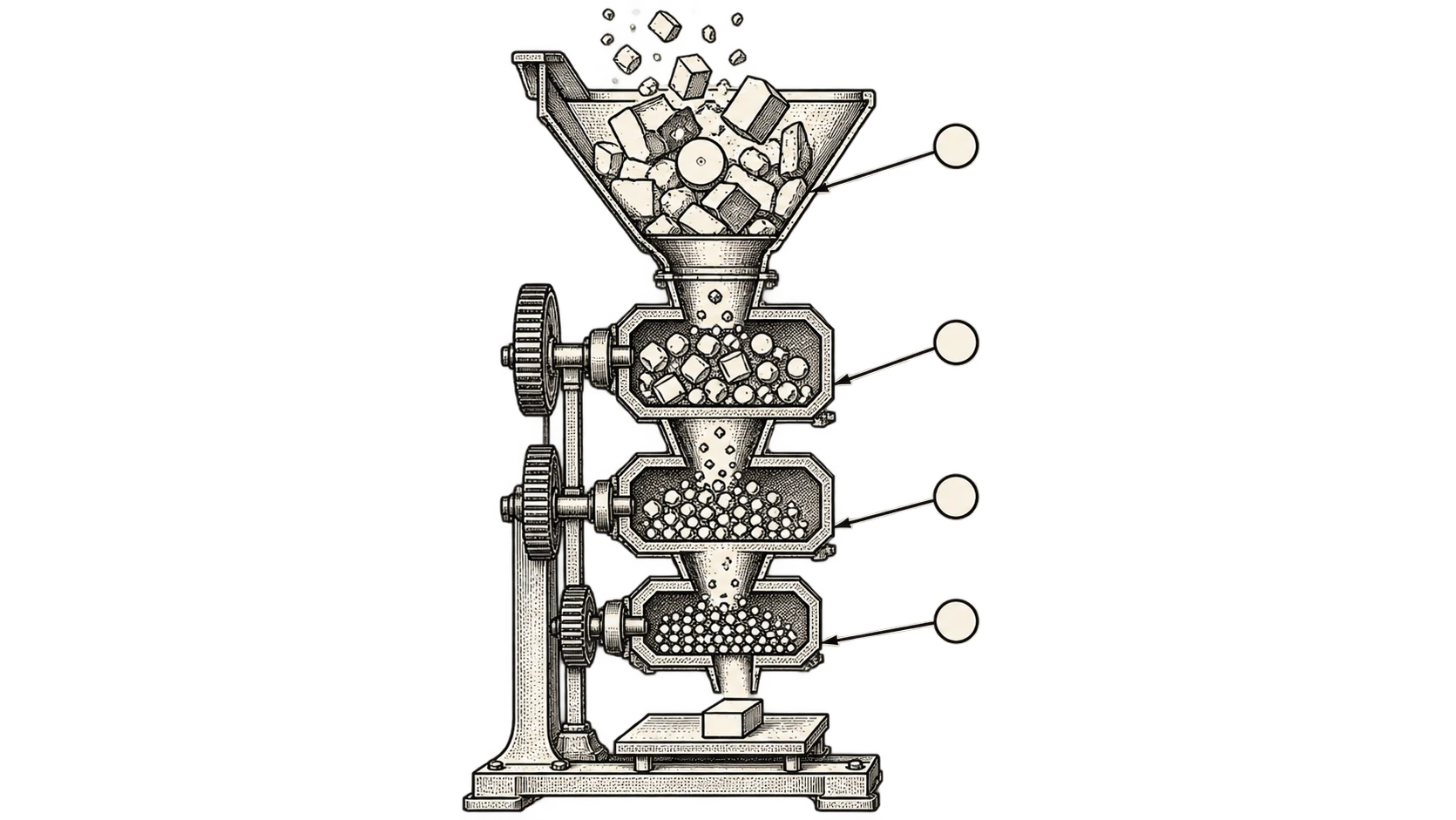
The whole path
Every one of those steps is a project on its own if you do it yourself. Put together they are the reason people give up before training anything.
Getting text out of things that are not text
Most of what you want to train on is not a text file.
It is PDFs, EPUBs, HTML, scanned pages. So ingestion handles those, and falls back to OCR through Tesseract when a PDF turns out to be images of words rather than words.
Then deduplication, both kinds. Exact duplicates are easy. Near-duplicates, the same paragraph reworded across twenty documents, need embeddings and a similarity threshold. Both matter, because a model trained on the same text forty times learns that text forty times.
llmbuilder data load -i data/raw -o data/processed/input.txt --clean
llmbuilder data deduplicate -i input.txt -o clean.txt --method both
llmbuilder tokenizer train -i clean.txt -o tokenizer/ --vocab-size 16000
CPU first
Most training tooling assumes a GPU and falls over without one.
The defaults here are CPU-friendly, because that is the machine most people actually have, and because a small model trained slowly is better than a large model never trained at all. GPU works if you have one. It is not the requirement.
llmbuilder train model -d clean.txt -t tokenizer/ -o models/checkpointsEnding somewhere useful
A checkpoint is not a model you can use.
So the last step converts to GGUF, the format llama.cpp reads, with
quantisation from F32 down to Q4_0. Same trick as running models on a phone:
drop the precision, lose a little quality, get something that runs on hardware
you own.
llmbuilder export gguf models/checkpoints/latest.pt -o model.gguf -q Q8_0That is the part that makes the rest worth doing. Without it you have a file that only the training code can open.
Also a Python API
The CLI is the main way in, but everything is importable.
import llmbuilder as lb

cfg = lb.load_config(preset="cpu_small")
model = lb.build_model(cfg.model)

dataset = TextDataset("./data/clean.txt", block_size=cfg.model.max_seq_length)
results = lb.train_model(model, dataset, cfg.training)
Configuration comes from templates rather than a blank file, and validates before it runs. A vocab size that does not match the tokenizer should be an error at the start, not a crash forty minutes into training.
tl;dr
Point it at documents, get back a model that runs on your own machine.