QuarantineLive
An Android firewall that decides which apps get the internet. It runs on a local VPN, so no traffic leaves the phone and no root is needed.

I built an Android app called Quarantine.
It lets you control which apps can access the internet.
You can block apps from using Wi-Fi or mobile data, or set rules based on battery, time, or network.
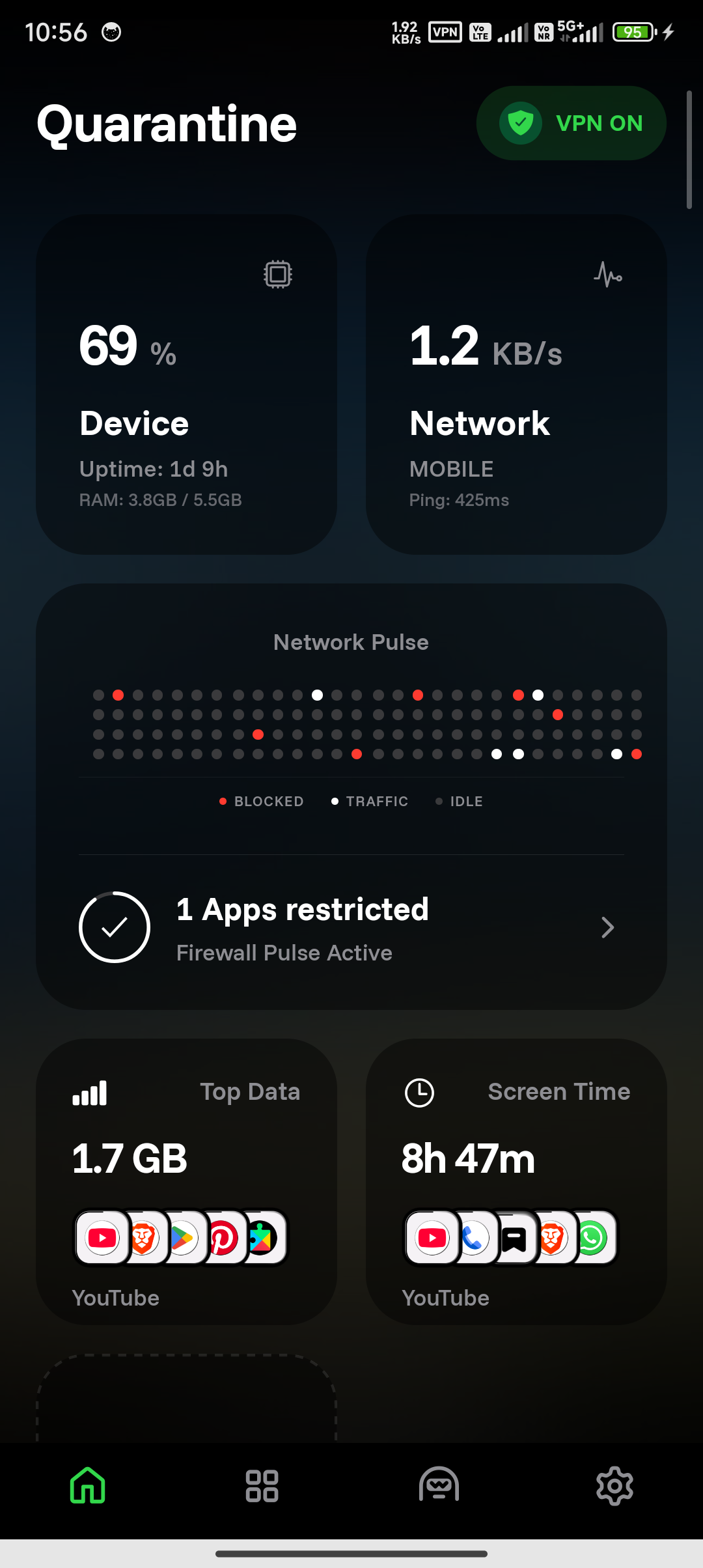
It also shows how much data each app is using.
Everything runs on your device. No ads. No tracking.
No root
A firewall on Android usually means root. Most people are not going to root their daily phone. This one does not need it.
It uses the VpnService API. That is Android's own way of letting an app
handle network traffic. The packets get filtered there, on the phone.
Nothing is sent anywhere. There is no server. No accounts, no ads, no analytics. The traffic never leaves your device because there is nowhere for it to go.
The source is open, so you can check that yourself instead of believing me.
Rules
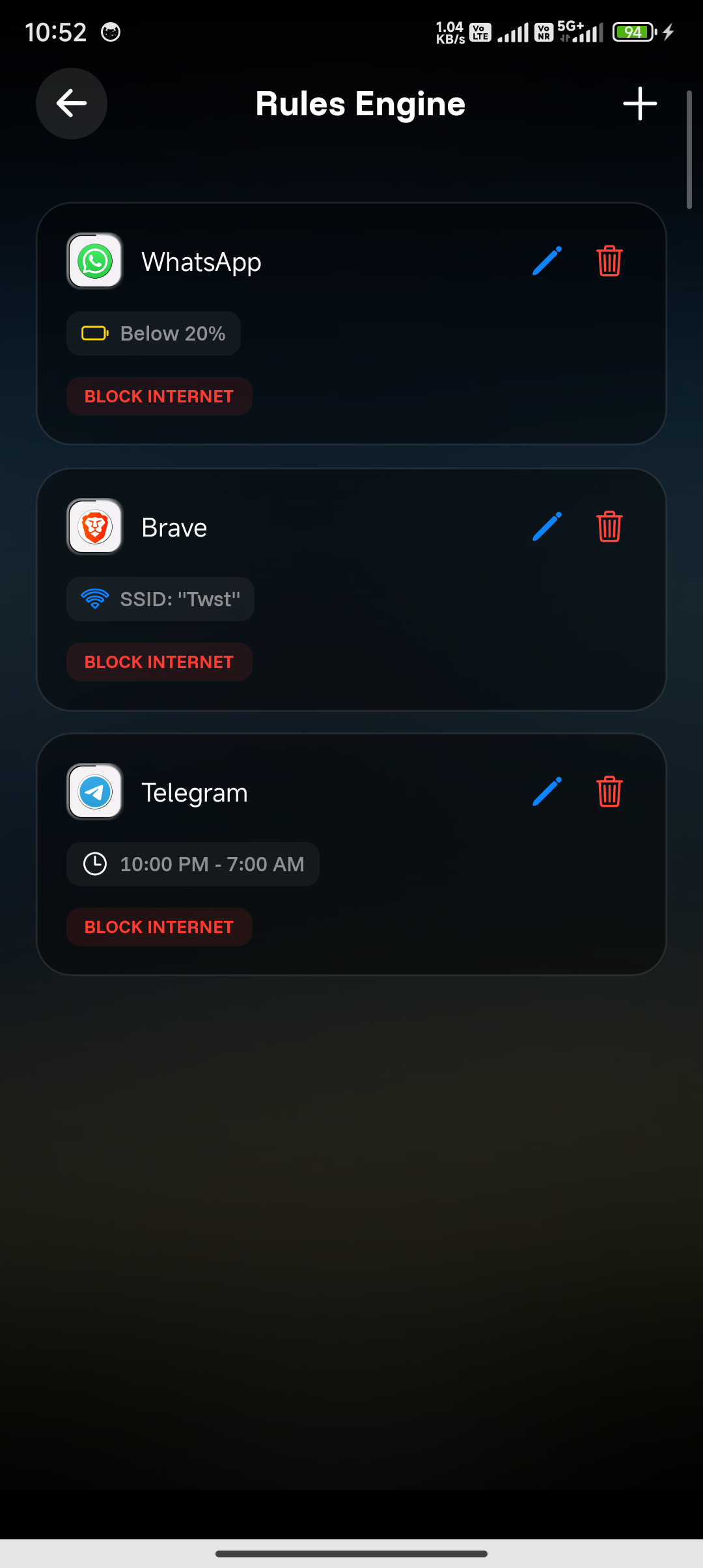
Blocking apps one by one works until you have thirty of them.
So you write a rule instead. Nothing on mobile data. Nothing below 20% battery. Nothing between midnight and seven. Nothing on this network.
The phone applies it. You stop thinking about it.
Which apps to look at
Most phones have over a hundred apps. A plain list of them is not useful.
So the apps get sorted by what they ask for. An app wanting location, contacts and background network is not the same as a calculator. The list tells you that before you have to work it out.
How it is built
React Native and Expo for the screens. Kotlin for the native layer, where the VPN and the packet handling live. Shizuku is supported but optional.
Screens change often, so they are faster in React Native. The firewall does not change often and has to be fast, so it stays native.
modules/quarantine-firewall/   the VPN and Shizuku logic, Kotlin
src/                           the interface, React Native
tl;dr
Control which apps can access the internet on your phone, block them anytime, and keep track of their data usage.