Que Mobile SDKAlpha
A Kotlin SDK for building agents that use an Android phone the way a person does. Reads the screen, decides, taps.
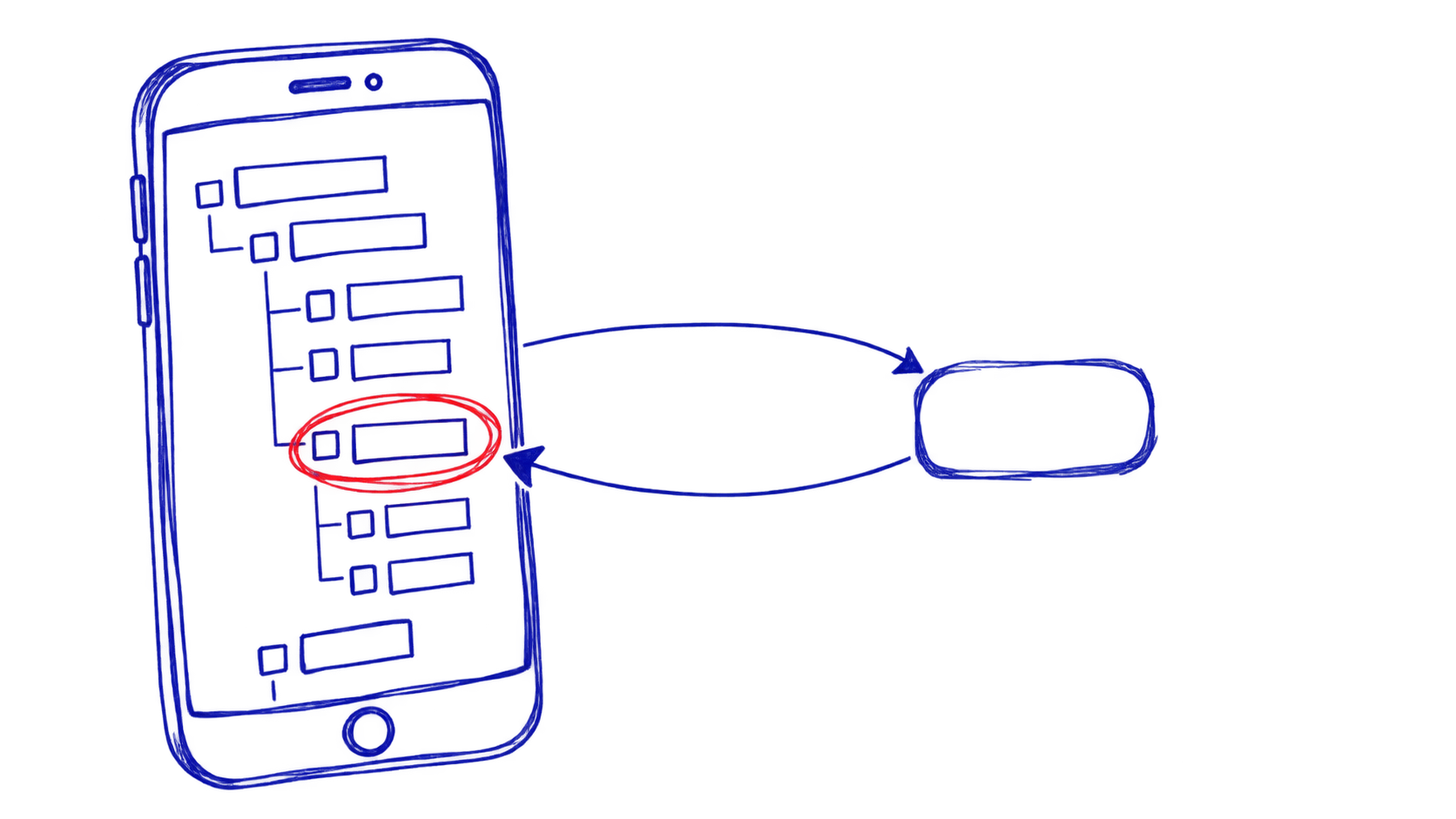
I built an SDK for making agents that use an Android phone like a person does.
It reads what is on screen, decides what to do, and taps. Not scripted taps at fixed coordinates, but a model looking at the screen and working out where to press.
How it is split
que-core               the agent loop, the LLM interface
que-vision             what is on screen
que-actions            tap, type, scroll, navigate
que-platform-android   accessibility, permissions, the OS
que-llm                model clients
que-expo               React Native bindings
The boundary that matters is que-core not knowing which model it is talking
to. It asks an LLMClient for the next action. Whether that is Gemini over the
network or a 2GB file on the phone is somebody else's problem.
That one interface is why moving to on-device models was a swap rather than a rewrite.
Reading the screen without looking at it
The obvious way to give an agent eyes is screenshots and a vision model.
I do not do that, and not because it is hard. Android already knows what is on screen. The accessibility tree has every button, every label, every ID, as text, structured, for free.
Asking a model "here are the buttons on screen, which one" is faster, cheaper and more reliable than asking it to find a button in a picture.
It breaks on games and anything drawn to a canvas, because those have no accessibility tree to read. That is the trade, and for native apps it is worth taking.
Getting the model onto the phone
The first version called Gemini over the network. That works and is the easy path, but every decision the agent makes is a round trip, and everything on your screen goes to someone else's server.
So the target is local.
QueAgent -> LocalLLMClient -> llama.cpp -> GPU -> actionNo network, no API cost, no data leaving the device, and no waiting on a round trip for every tap.
What actually fits on a phone
You cannot run a 70B model on a phone. The question is what you can run.
Phi-3 Mini 3.8B  Q4_K_M   2.3 GB   fast, good at instructions
Gemma 2B         Q4_K_M   1.5 GB   very fast, simple commands
TinyLlama 1.1B   Q4_K_M   700 MB   instant, needs the task narrow
Q4_K_M is the part that makes it possible. Quantisation drops the weights
from 16-bit to 4-bit, which cuts the file by roughly three quarters and costs
very little intelligence. Without it none of these fit.
Gemma 2B is enough for "open the camera". Phi-3 is what you want when the agent has to reason about a screen it has not seen before.
The parts that only show up on a real device
A model held in memory heats the phone. So it unloads after a minute idle and reloads on demand, which costs about a second.
A 2GB model does not go in the APK. It downloads on first use, which means there is a screen for that, and a state where the model is missing that the code has to handle rather than crash on.
Vision, if you want it, is two files rather than one: the model and a separate projector that turns an image into something the model can read. Around 2GB together. Worth it only when the accessibility tree gives you nothing.
tl;dr
Build agents that use an Android phone by reading the screen and tapping. The model can run on the phone.