ScaleReleased
A Windows app for exploring fractals. Zoom in as far as you like, type your own equation, and export the result as a 4K image.
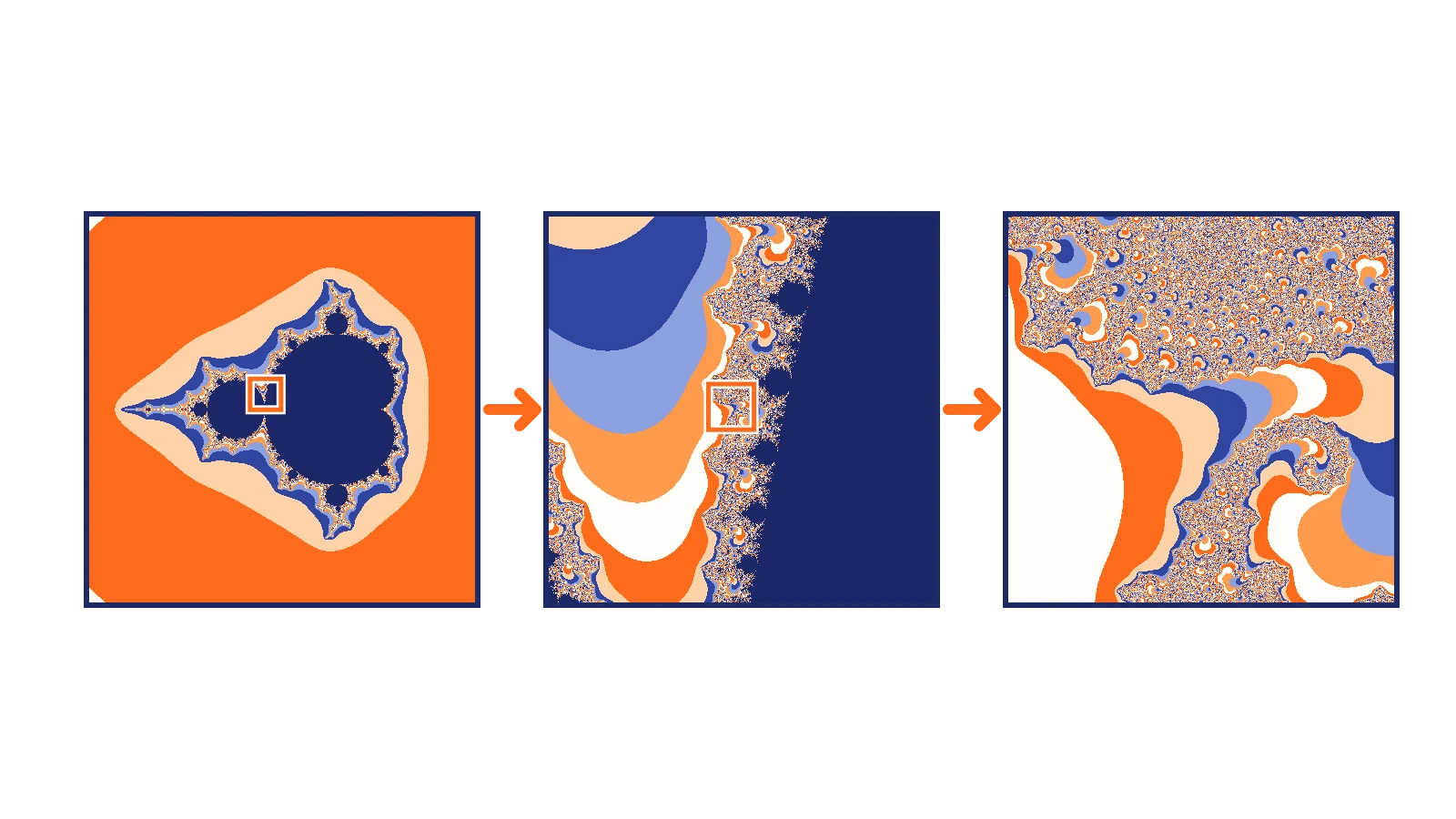
Scale is a Windows app for exploring mathematical fractals. You drag to pan, scroll to zoom, and the picture redraws as you move. When you find something you like, you save it as a 4K image.
It is built in C# on .NET 10 with WPF, and it is free and open source.
The idea comes from Michael Fogleman's Scale for macOS. Some of the presets are starting coordinates taken from his app.
Type your own equation
The part I like most is the equation box. You can write a formula in terms of z
and c, and Scale draws it.
z^3 / (1 + z^2) + c
sin(z) + c
bar(z)^3 + c
It understands the usual arithmetic, sin, cos, tan, sinh, cosh, exp,
sqrt, abs, log and ln, and bar(z) for the complex conjugate. Press
Space and it picks a random equation, which is a good way to find
shapes you would never think to write.

What it can draw
The built-in ones are the classics: Mandelbrot, Julia, Burning Ship, Newton, Tricorn and a transcendental sine map. Each one is a one-line iteration, and they look nothing alike.


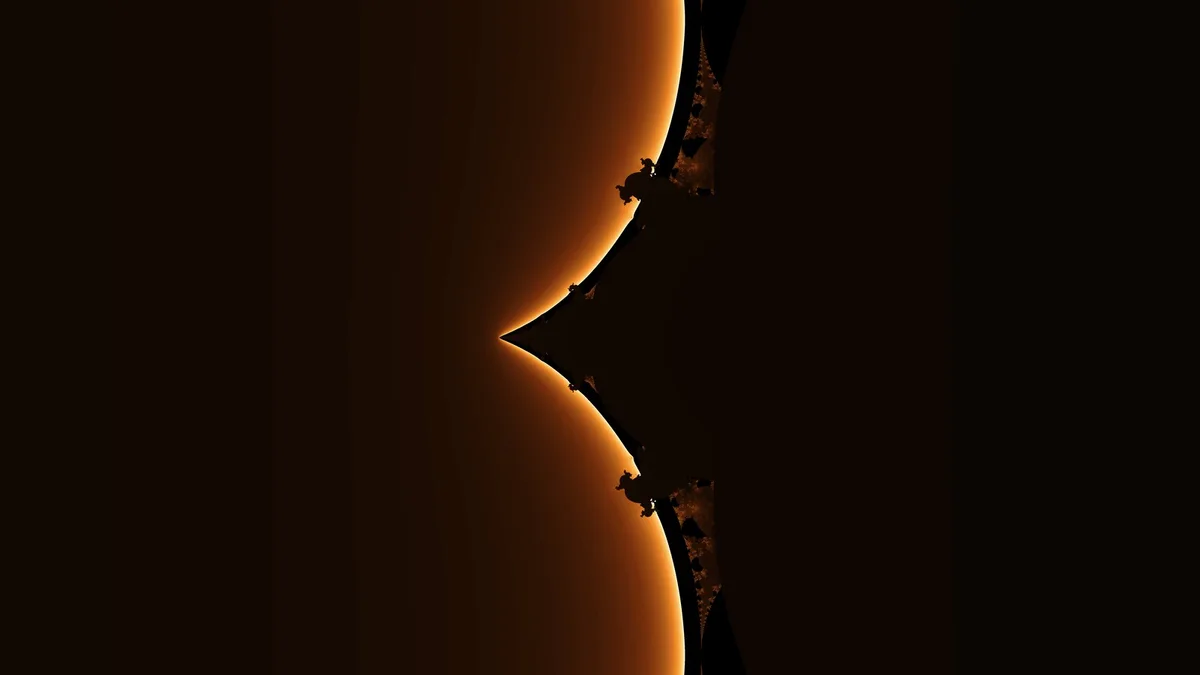

How it feels to use
Rendering uses every core on your machine, so the picture fills in quickly while you move around. There are several colour palettes, and a gamma control that changes the contrast live.
Everything is on the keyboard as well. Double click zooms in 2x and right click
zooms out. Ctrl + C copies the current picture, and Ctrl + Shift + C copies the
exact coordinates as text, so you can come back to the same spot later. F11 goes
fullscreen.
Saving a picture
Ctrl + S exports a 3840 by 2160 image. It runs in the background with a progress
bar, and you can cancel it, so you can keep exploring while a big one renders.
Try it
Download ScaleWindows.exe from the
latest release. It runs on
64-bit Windows without installing .NET. If you would rather build it, clone the
repository and run dotnet run.
Where it is
It is out as v1.0.0. The code and the first release went up on the same day, and there is a build that publishes the executable every time I push.