WebDroidReleased
A browser automation library for Android. Drive real Chromium pages inside your app, with no server, no Node, no USB cable and nothing on screen.
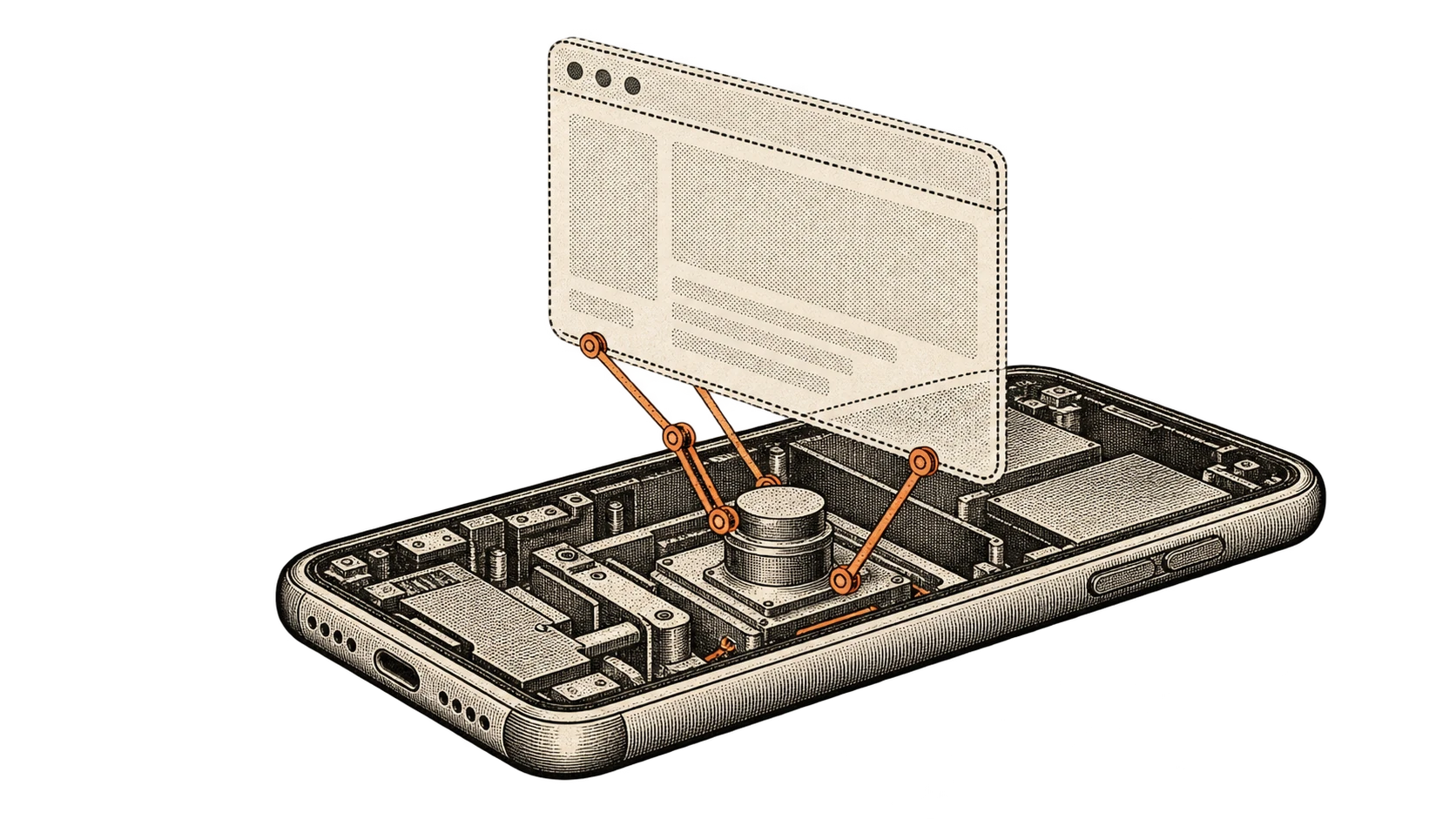
I built a browser automation library for Android called WebDroid.
It drives live Chromium pages from inside your app. No external server, no Node runtime, no USB cable, and nothing visible on screen.
The problem
Automating a browser on Android usually means one of two things.
You run Puppeteer or Playwright somewhere else and talk to the phone over a cable or a network. Or you put a WebView on screen and poke at it.
The first needs a machine that is not the phone. The second means the thing you are automating is sitting in front of the user.
Neither works if you want an app to fetch something from a page on its own, on the device, while doing something else.
What it does instead
It runs a WebView offscreen, in your own process, using the Chromium engine
that is already on the phone.
The API reads like Playwright, because that is the shape people already know.
val browser = HeadlessBrowser.create(context, BrowserConfig())
val page = browser.newPage(Viewport.Phone)

page.goto("https://news.ycombinator.com", WaitUntil.Load)

val title = page.title()
val top = page.querySelector(".titleline > a")
Navigation, DOM reading, script evaluation, form input, screenshots. All coroutine based, all inside the app.
Two backends
Every Android device gets the platform backend, through androidx.webkit. That
one always works.
Some devices also answer over the Chrome DevTools Protocol. Where they do, the library opens that connection after the first navigation and uses it for text, DOM, scripts and clicks, because it is better at those.
If the connection cannot be made, it falls back silently. Nothing breaks, and
page.capabilities().protocolBackend tells you which one you actually got.
The security part
Turning the protocol backend on calls setWebContentsDebuggingEnabled(true).
On Android that is process-wide. It exposes every WebView in your application to Chrome DevTools over USB, not just the one the library is using.
So it is off by default, and the README says plainly to keep it off in production unless you actually need remote inspection. A convenience that quietly opens your whole app to a debugger is not a convenience.
There is an SSRF guard on URL validation for the same reason. An automation library that will fetch any URL it is handed is an open proxy sitting inside someone's app.
Things that go wrong, and what happens
Renderers stop responding. WebViewRenderProcessClient watches for that and
recovers automatically.
Sessions run long. timeouts.totalMillis bounds the whole session, not each
call, so a chain of operations that each stay under their own limit still stops
once the total budget is spent.
Cookies leak between sessions, because CookieManager is process-global on
Android. page.clearCookies() is there for that.
Metrics stay in memory. Navigations, script time, memory pressure, crashes. Nothing is transmitted anywhere.
tl;dr
Drive a real browser page from inside an Android app. No server, no cable, nothing on screen.