Running an LLM on Your Phone
Ollama runs inside Termux on Android. The model answering you can be a file on the same device, with no API key and no network.
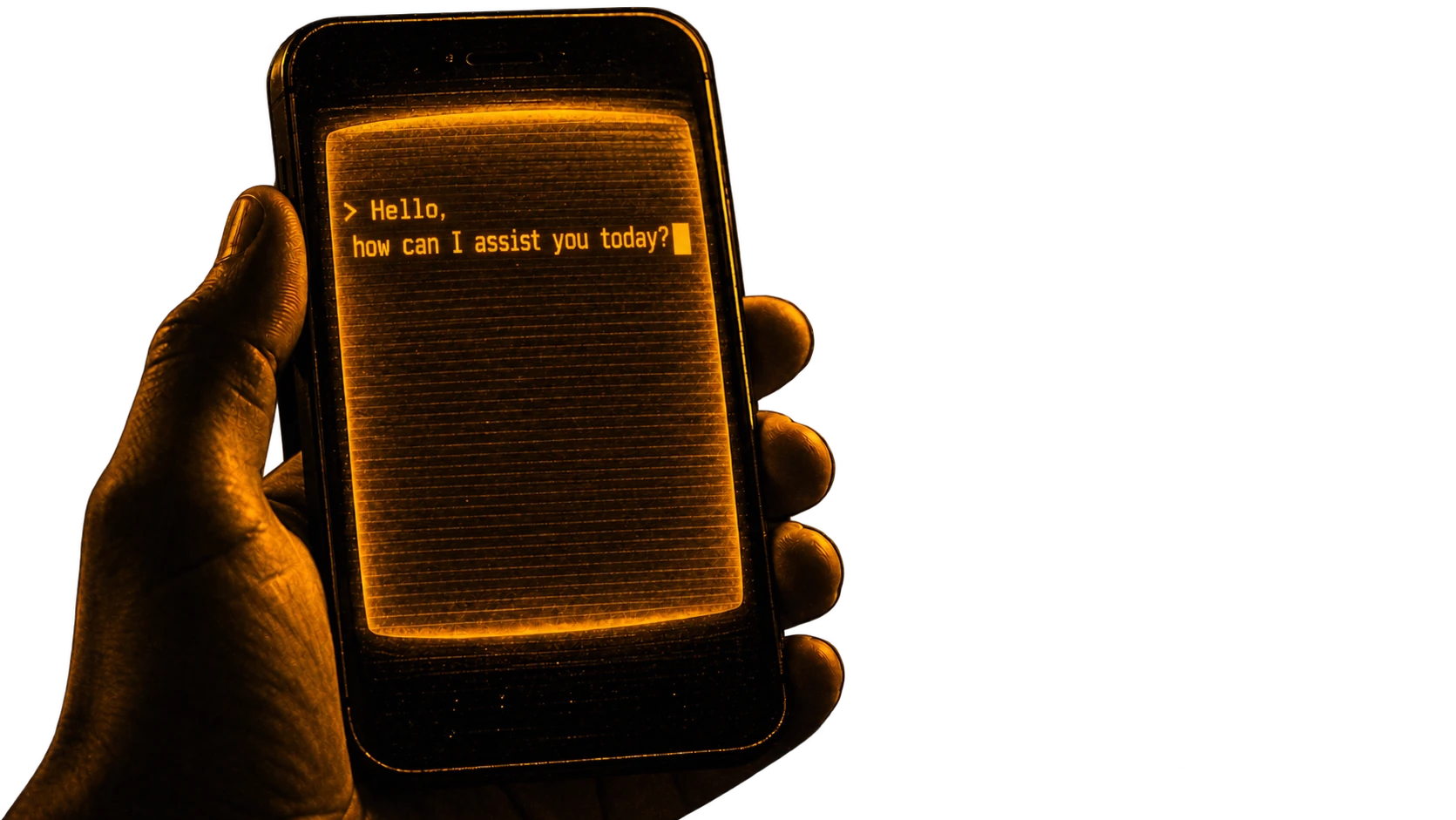
Your phone can run a language model. Not call one over the network. Run it, on the device, with the network off.
The hardware has been capable for a while. What was missing was a way to get a model onto it that did not involve building something yourself.
Termux closes that gap. It gives you a Linux environment on Android, Ollama runs in it, and from there it is the same as any other machine.
Termux, and where to get it
Not the Play Store version. That build is old and abandoned.
Get the ARM64 build from the GitHub releases. Almost every phone from the last several years is ARM64.
Then, once it opens:
termux-setup-storage    # grants access to your files
termux-change-repo      # pick a closer mirror
pkg upgrade
termux-change-repo is worth doing rather than skipping. The default mirror is
slow from a lot of places, and you are about to download a few gigabytes.
Installing Ollama
Ollama is not in the main repository. It is in Tur, a community one.
pkg install tur-repo
pkg install ollama
pkg install zellij
Zellij is a terminal multiplexer. You want it because Ollama needs a server running while you type into a client, and two terminals is easier than juggling one.
The setting nobody mentions
Android will kill Ollama otherwise.
Android limits how many processes an app can spawn. Ollama spawns several, and without that setting it dies partway through loading a model, with an error that does not say why.
This is the step people give up at.
Running something
ollama serveLeave that. Open a second pane, and:
ollama run llama3.2First run downloads the model, which takes a while. After that it is local.
ollama run deepseek-r1.5bThe 1.5B and 3B models are what a phone handles comfortably. Larger ones run but slowly, and the phone gets hot enough to notice.
CTRL + C    stop the model mid-answer
CTRL + D    exit
CTRL + L    clear the screen
To stop the server:
ps aux | grep ollama
kill [PID]
What it is actually like
Slower than a cloud model. Noticeably.
But it works with no signal, on a plane, in a basement. Nothing you type goes anywhere. There is no key to leak and no bill at the end of the month.
A 3B model is not GPT-4 and it is not trying to be. For summarising, rewriting, answering questions about text you paste in, it is enough, and it is yours.
Why bother
The interesting part is not the answers. It is that a phone in your pocket runs a language model with the network switched off.
Five years ago this needed a machine that cost more than the phone. Now it is a package install and a settings toggle, and most people do not know it is possible.